
How do I change the interactivity colour?
To change the colour your interactivity glows, you will need to edit the Style applied to the document. Either edit the custom Style settings (if you have created and applied a custom style to your document) or create a new custom Style.
To do this, you will need to:
- Head to Styles (Documents > Settings > Styles).
- Then select either ' Add New' to create a new Style, or 'Edit' for the Style applied to the document.
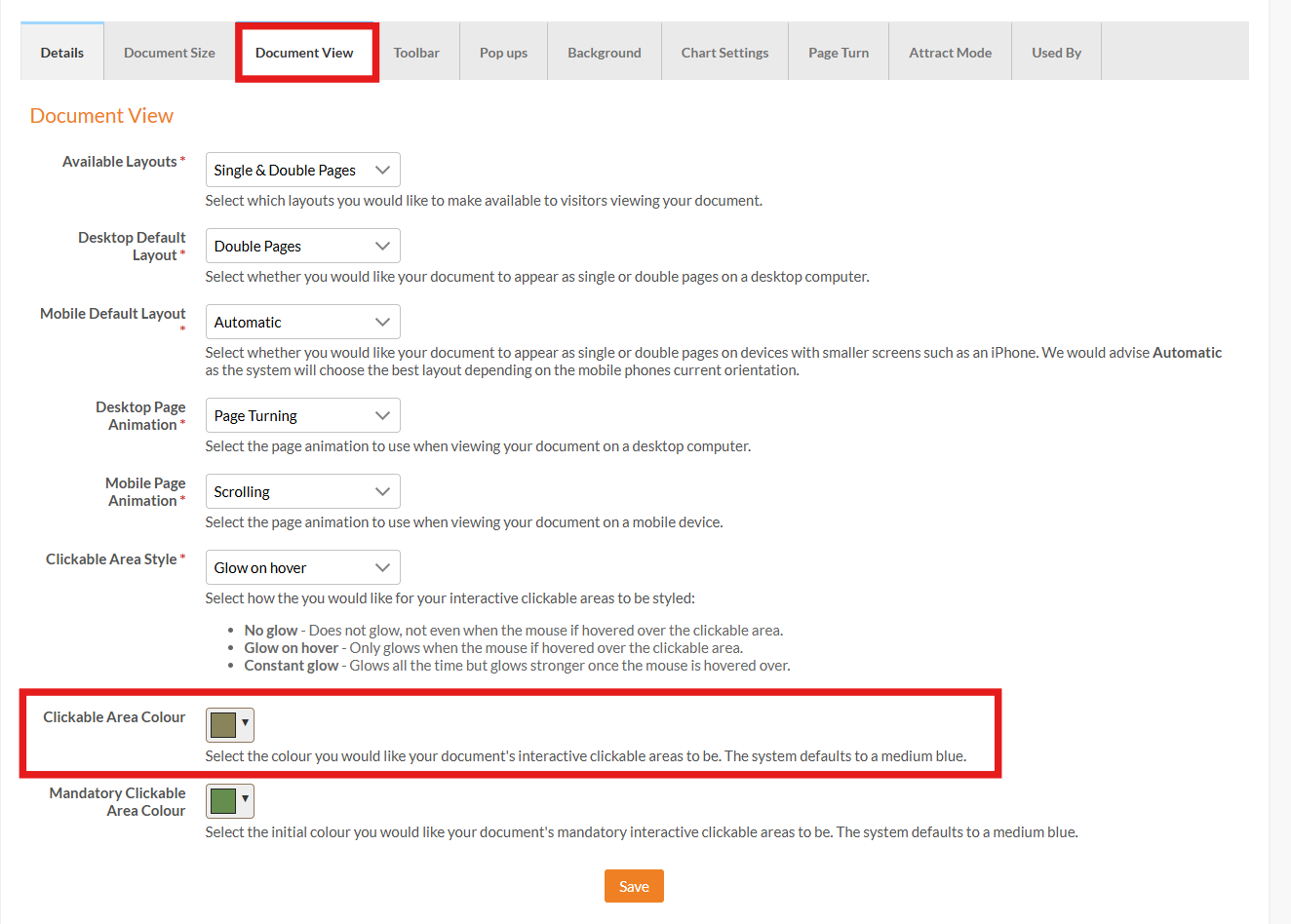
- Then click the Document View tab and choose a colour for the 'Clickable Area Colour' field.
- Select Save and ensure the Style is applied to your document.
See more about Style settings on this User Guide page -> Create Style