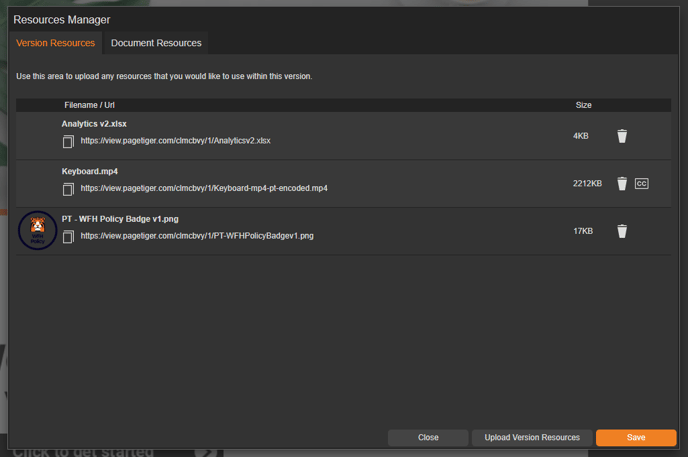
Where can I find the Resources Manager?
- Begin by opening the design of your document.
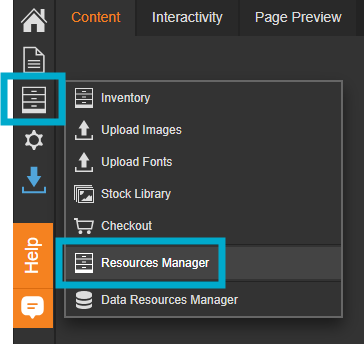
- Select the third icon from the left-hand menu.
- Select 'Resources Manager'.
This will then open the Resources Manager, where you can upload and manage files, such as images, PDFs, and videos, to use in the interactivity of your document.