
- PageTiger User Guide
- Distributing
- HTML based distribution
Text link
The ‘Text Link’ option generates a snippet of HTML that you can insert into your website’s source code. This creates a clickable hyperlink to your document, making it accessible to visitors with a single click.
- Navigate to a document.
-
Select ‘Manage Version’ followed by ‘Distribute’ for the version you wish to create a text link for.
-
Select ‘Text Link’ from the available options.
A line of html code will be automatically generated that can be added to your website.
Settings
Clickable text
This is the text that will display as clickable and contain the hyperlink to your version. It will default to 'View' but can be changed to the text of your choice, for example 'View our latest newsletter'.
Tool Tip
Specify the text that will display if you hover over the link.
Document Options
Specify whether the link will open in a new window or the current window.
Most Recent Versions
Tick if you would like the link to open the most recent version in the document.
Tracking Token
Affix a tracking token, such as an email address, to enrich reports.
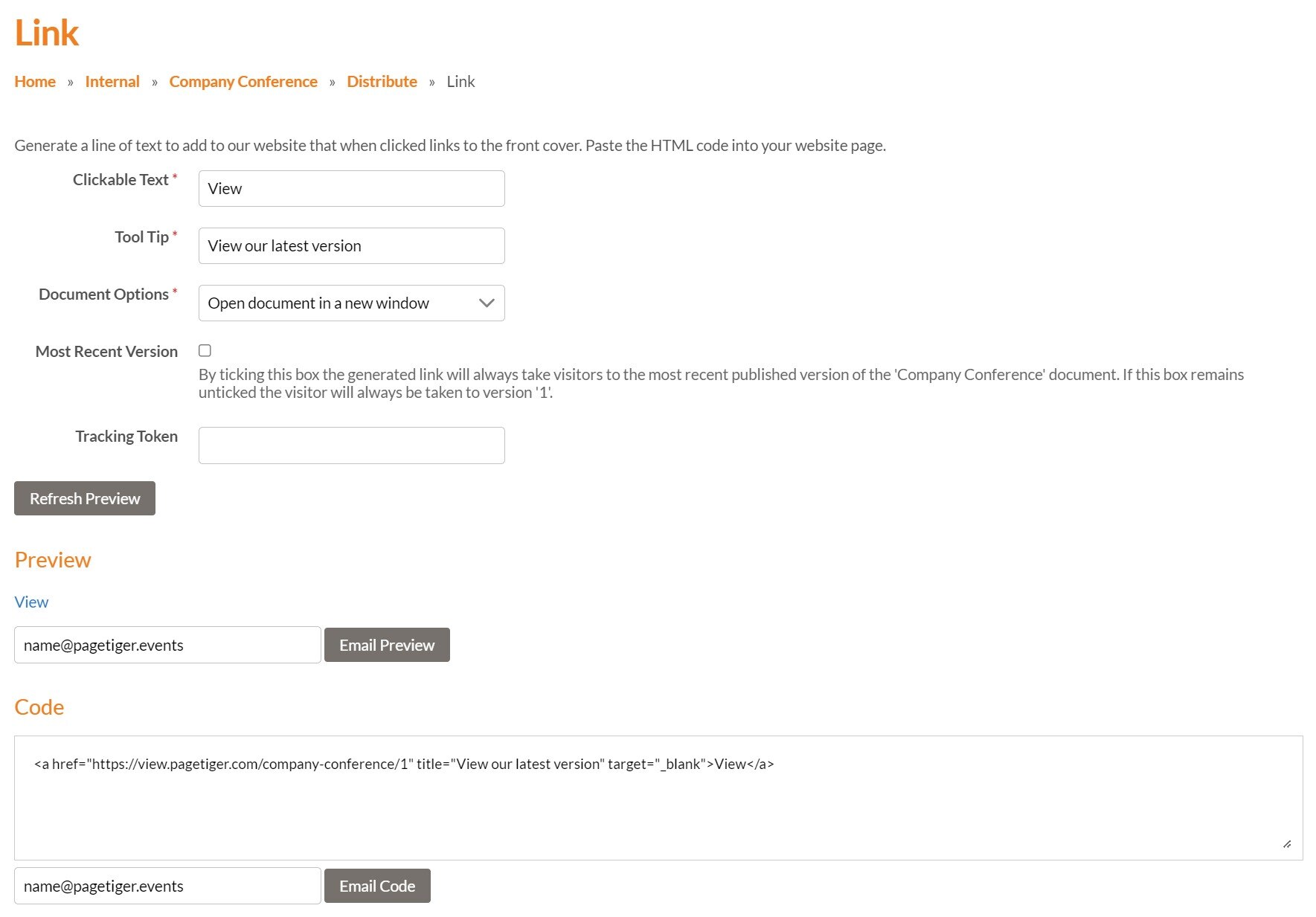
Once you’re happy with your Link, click ‘Refresh Preview’ to generate the latest version of the HTML code. You can then copy and paste it into the source code of your website.
It’s possible to email the HTML code to an email address of your choice, which can be useful if someone else is actioning the change.