
- PageTiger User Guide
- Document and Version Management
- Renaming, moving and deleting
Renaming a document
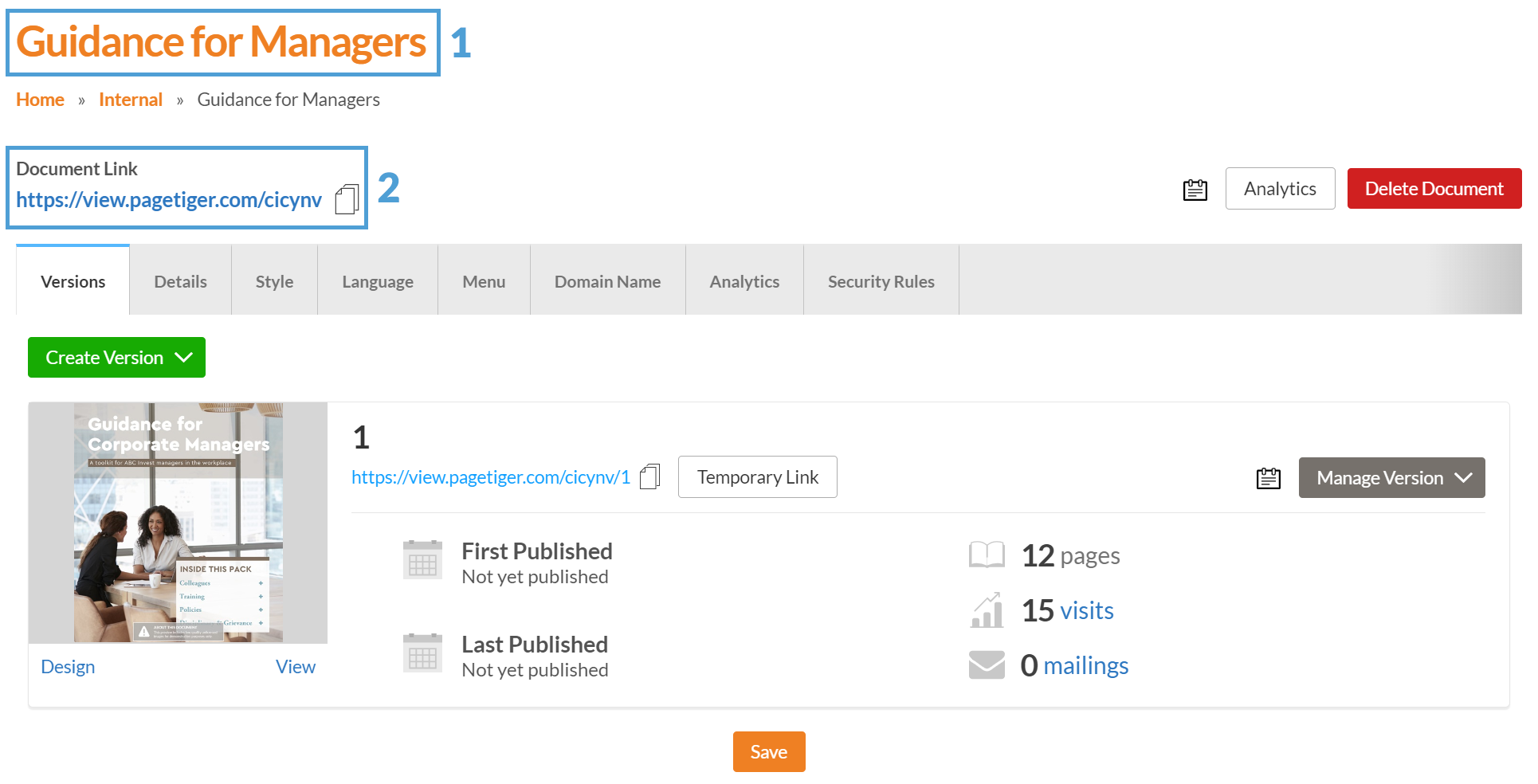
The Document Link is located at the top of the 'Manage Document' page, and opens the most recently created and published version in the document.
Understanding a document name and URL
1. Name
This is the name of the document, and will be displayed in your account.
Use a short, concise name to make it easier to find a document in your account.
2. URL
This is the link used to access and view your document.
Every document needs its own unique URL. If you enter one that’s already taken, you’ll see an message letting you know it’s in use.
A document name or URL can be edited if all of its versions are unpublished.
How to rename a document
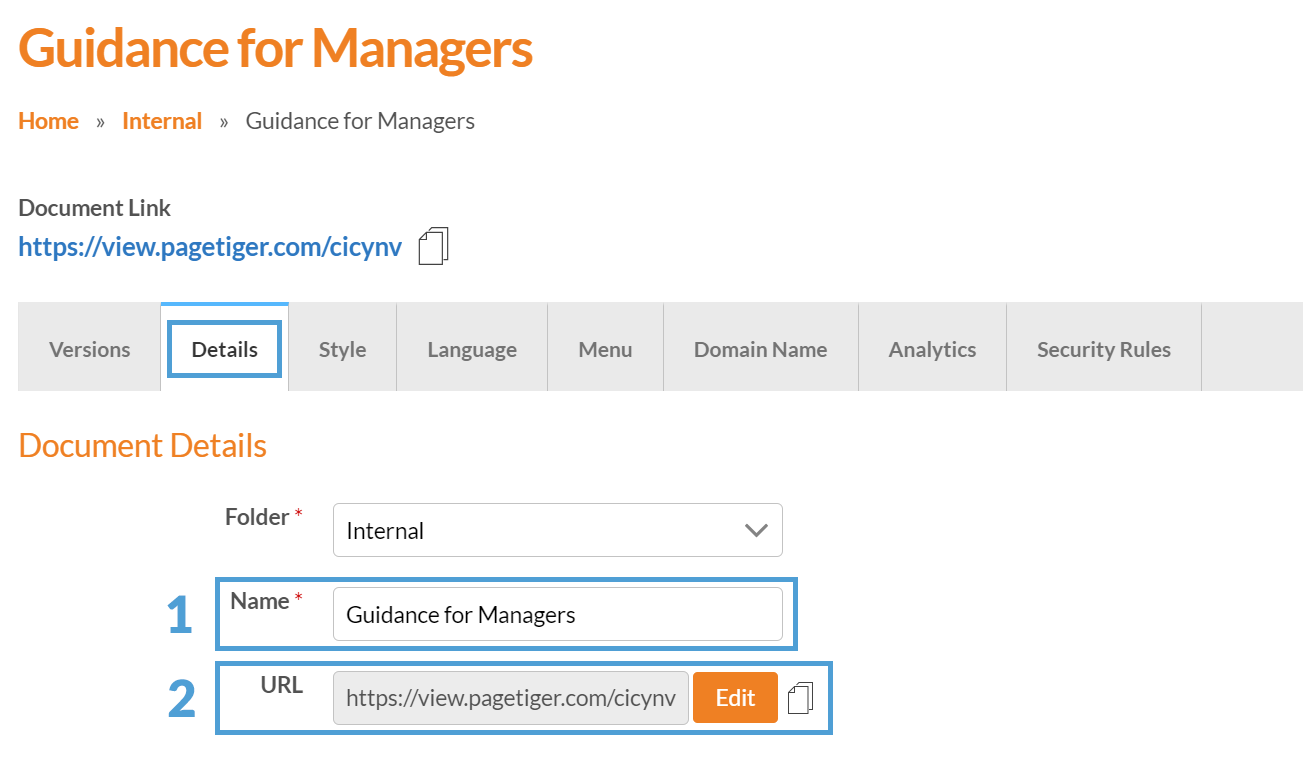
Navigate to the 'Document Management' page for your document and select the 'Details' tab.
-
Enter a new name into the 'Name' field to update the name of the document.
-
Select the 'Edit' button to change the URL of the document.
Don't forget to republish your document version(s) and distribute the new link!