- PageTiger User Guide
- Managing your account and users
- Managing your account (Account Owners only)
Invoices
To help you stay on top of your billing, email notifications will be sent when a renewal or payment is due. These notifications are designed to ensure you never miss an important invoice or service renewal date.
In addition to email reminders, you can also view, download, and manage all of your invoices directly from your account at any time, helping you track payment history and check upcoming charges all in one convenient place.
-
Select ‘My Account’.
-
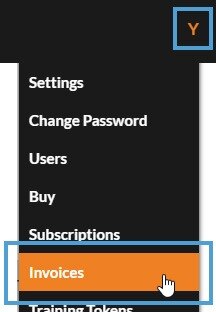
Select ‘Invoices’.
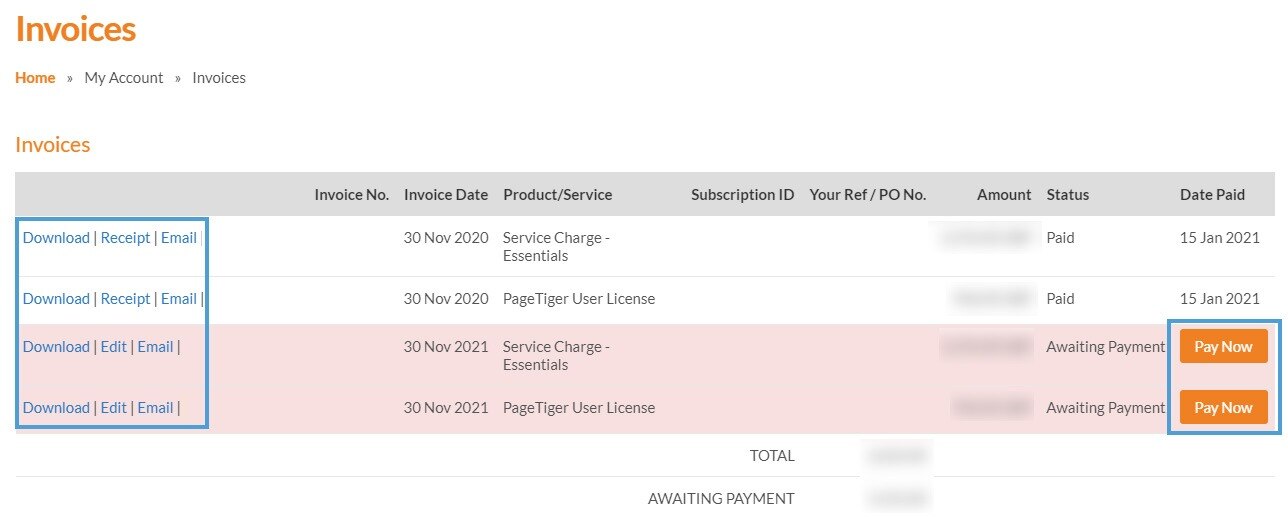
All invoices in your account will display with the following options:
Download
Select this option to download PDF copy of an invoice.
Receipt
Select this option to download a PDF receipt of a paid invoice.
Edit
Select this option to view the details of an invoice, enter a PO number and copy a Pay/Edit URL which can be sent to your finance department to action.
This option is only available if an invoice has not been paid.
Select this option to email a copy of an invoice to an email address of your choice.
Pay Now
Select this option to submit payment for an invoice.
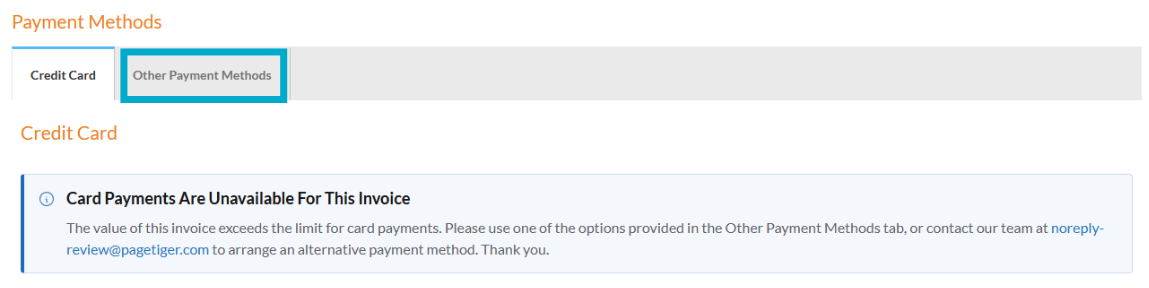
Please use the 'Other Payment Methods' tab for payments greater than £10,000.