
Once a QR code is generated, the link that it points to cannot be changed.
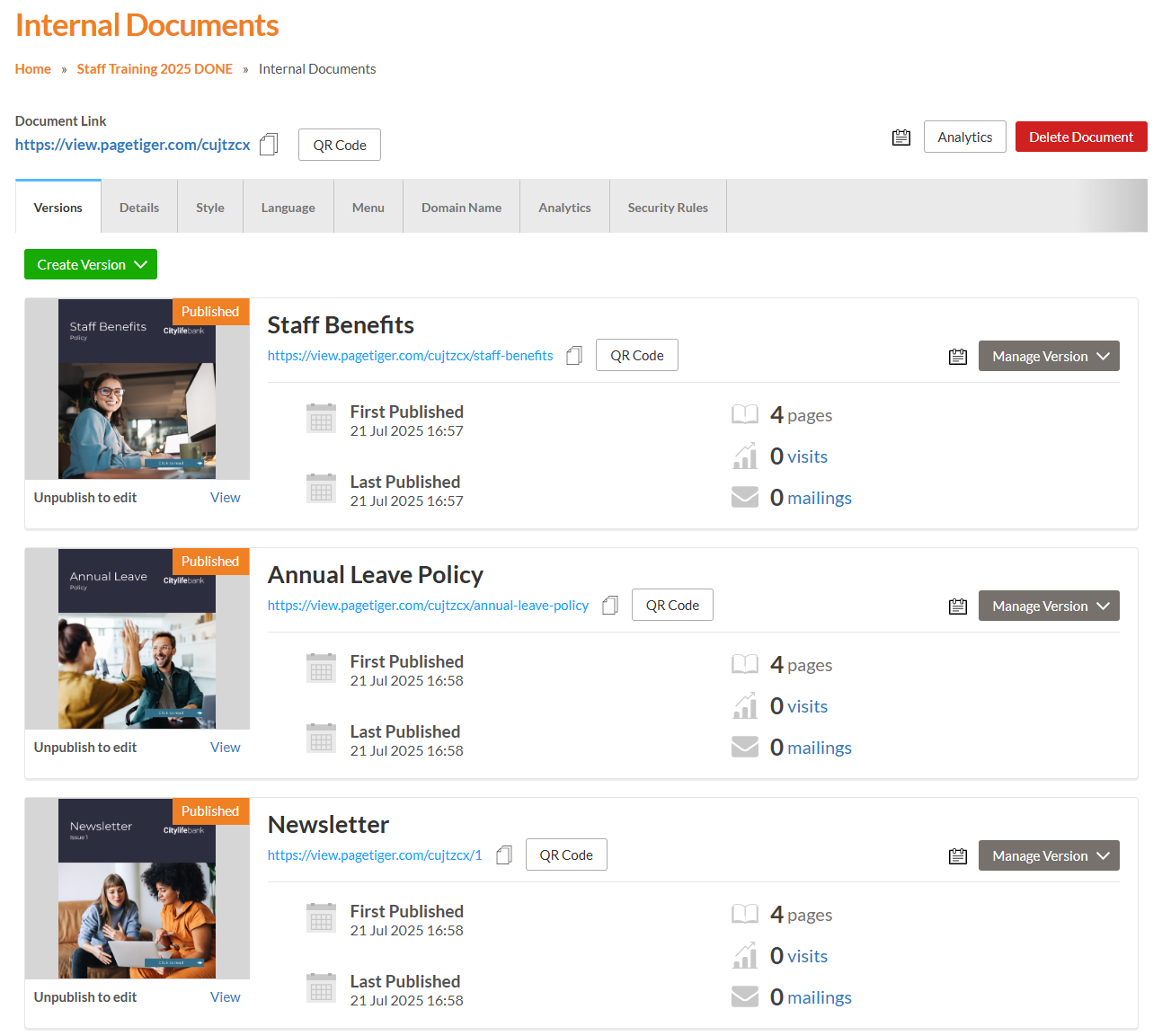
Since you have already printed many copies, we suggest creating a new document and moving all other versions (that you don’t want linked to the current QR code) into it. This ensures the QR code that you have distributed only points to the one version you intend to share.
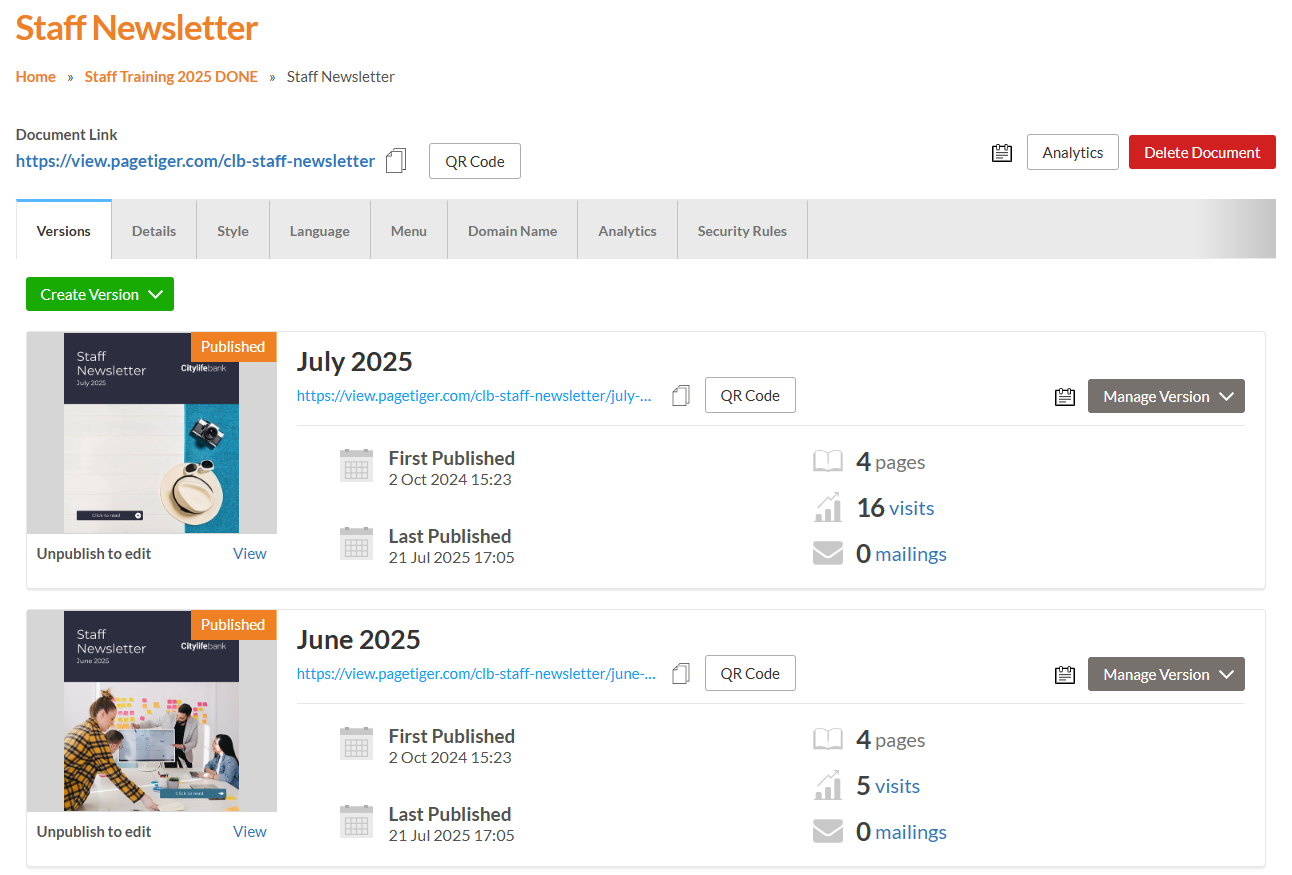
We recommend distributing the Document Link, as it always opens the most recently created and published version of the document. This is ideal if you want your QR code to remain active even after making edits or publishing updates - there’s no need to reprint or redistribute it.
If you would rather point to one specific version of a document you can distribute the version-specific QR code.
Version control do's and don't
Do
Don't
Once generated it's not possible to change what a QR code links too.
However, we strongly encourage that you distribute the Document Link because this opens the most recently created and published version of that document, which is particularly beneficial if you want a QR code that remains active even after editing and publishing new versions.
Since the QR code links to the latest version, it means you can maintain the same QR code distribution while providing updated content without the need for redistribution. This is what the Document link and Document QR code is made for and is a great function
If you want to link to just one specific version of the document in the future, you will need to use a version link/QR code.
Since you have already printed many copies, we would recommend creating a new document and moving all other versions that are not linked to the QR code into this new document. This way, the QR code distributed will only point to the one version you want