
New
- Improvements have been made to the List panel type:
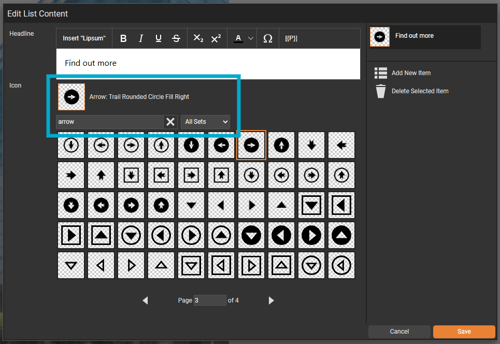
- Icons are now organised in a clear, logical order that remains consistent when using filters or performing searches.
- Each icon includes associated keywords, allowing searches to return relevant icons, not just those with exact name matches.
- Icons display their name alongside the preview for easier identification.
- Tooltips now appear on hover, showing the icon’s name to improve usability.
- When uploading a file directly to a module (such as a Download a PDF file or Play Video on Page module), it will now automatically upload as a Version resource. This streamlines the process, making uploads faster and more intuitive.
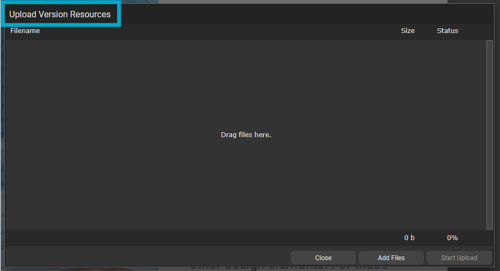
If you have a resource that needs to be available across all versions of a document, you can upload it directly to the Resource Manager as a Document resource.
Improvements
- The wording for the change password section has been updated to be clearer and more consistent across the platform.
- Improvements have been made to the List panel type, to ensure the outlines are removed if the panel has been deleted from a page.
- Strikethrough and underline formatting options are now available in TigerGenius, and List Panel titles will correctly display when creating a document from a TigerKit.